Putting practice, measured
Every putt gets a number.
Mount your phone above the ball and Learn 2 Putt reads the roll — start line, distance, the speed of the green you are on, and whether it went in. One minute of setup turns a bucket of putts into a session you can compare against last week.
Coming to the App Store, iOS 15 or later. Camera measurement runs on iPhone at launch. The Android build is in development and does not measure putts yet.
Putting decides your score. Practise like it.
More of your round is spent on the green than anywhere else, and almost none of the practice that goes into it is measured. Learn 2 Putt turns aimless roll-around time into reps with a number attached.
Practice without a number
Rolling putts on a mat feels like work, but nothing is measured — so a good session and a wasted one look identical afterwards.
No idea what the miss was
A putt that slides by could be start line, speed, or a green rolling faster than you read it. Guessing which is why the same miss repeats.
Nothing to compare against
Without a record of distances, make rates and green speed, "am I improving?" is a feeling rather than an answer.
How it works
One camera session, four things it does for you — from setting the line to the week adding up on your home screen.
Set your line
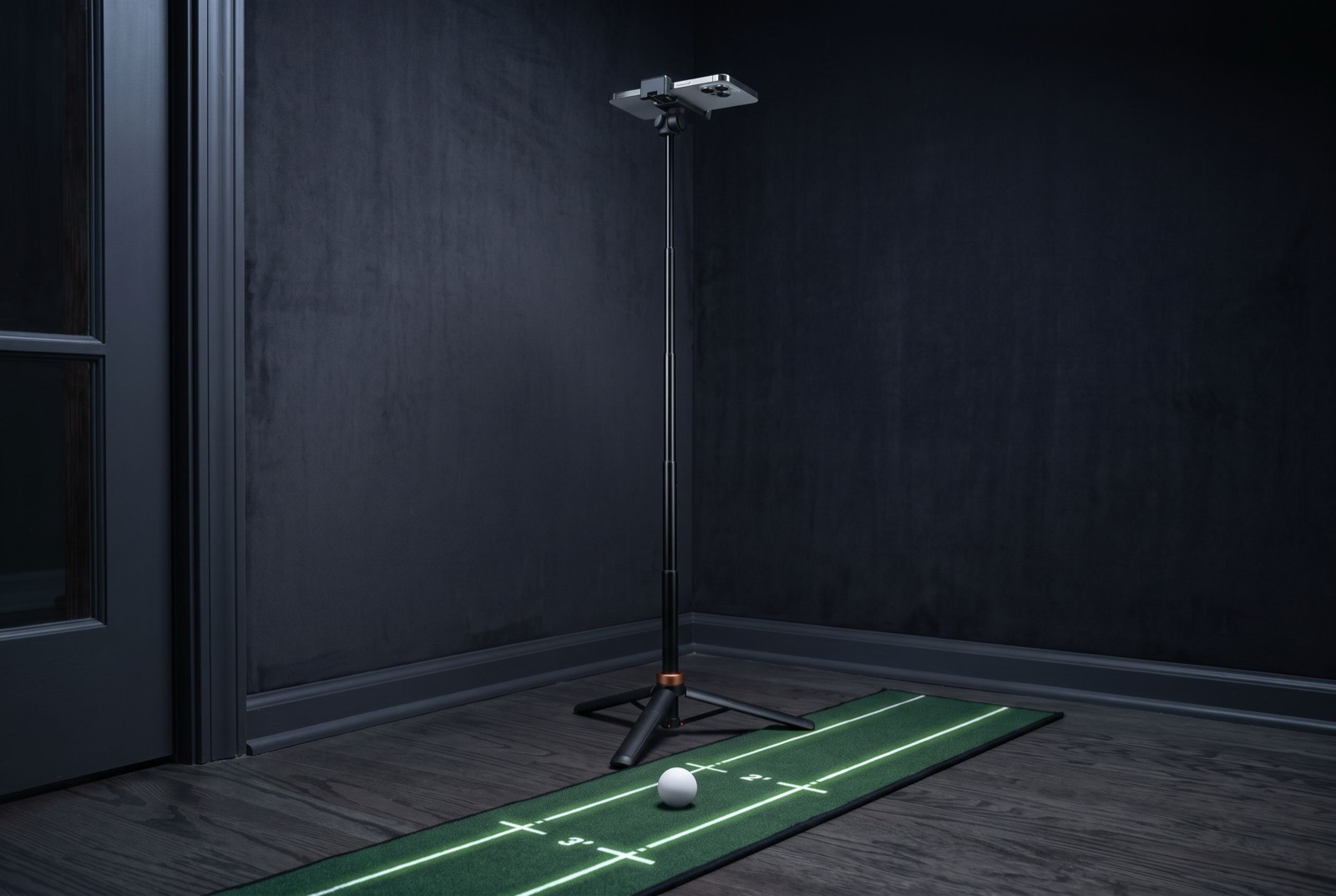
Mount the phone above the ball, level it, and drag your putting line down the middle of the frame. No two-ball calibration, no launch monitor.
Measure the green
Roll a few calibration putts and Learn 2 Putt reads the surface speed of the green you are actually on, then locks it as the session baseline.
Practise to a target
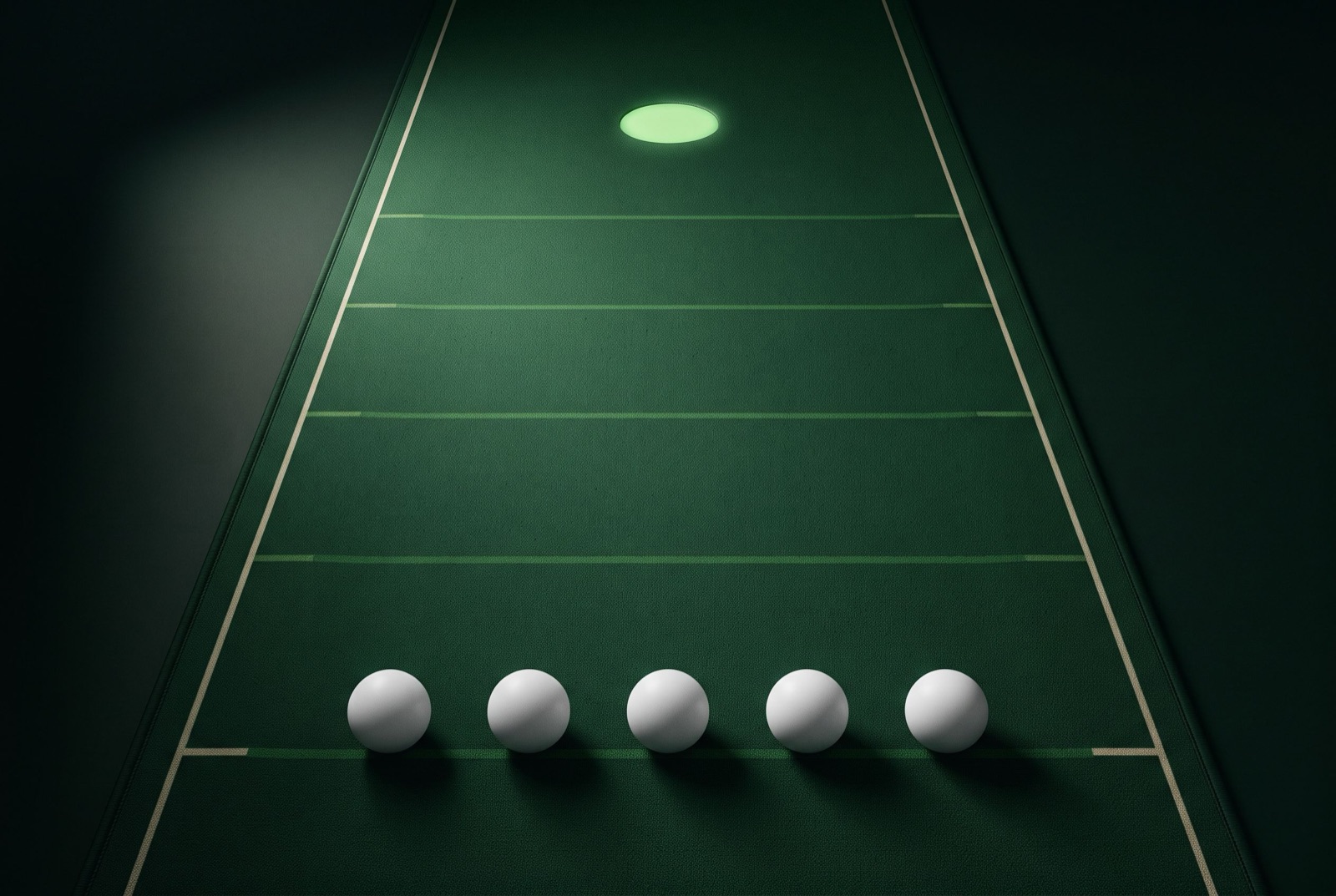
Every rep gets a target distance. The camera follows the roll and plots where the ball finished against the cup, with a made-or-missed verdict.
See the week add up
Sessions, putts and streaks land on your home screen, with a per-distance breakdown so the next session has somewhere to aim.

What the camera needs
One minute of setup is what makes the numbers real.
- Phone in landscape, on a tripod or propped steady.
- Above the ball, camera straight down, with your putting line down the middle.
- A flat mat or practice green, in even light.
Learn 2 Putt measures putts taken in that setup. Outside it — phone in hand, a dim or steeply sloping surface, or a ball that leaves the frame — it tells you it could not read the putt instead of guessing a number.
What you get
Two ways to practise
Practice Putting runs a configured session — focus band, rep target, green speed, accuracy tolerance. Free Putt is the camera and nothing else.
Green speed you measured
An effective-Stimp read taken from your own calibration putts, locked for the session so ordinary strokes cannot quietly drift the baseline.
Honest about bad reads
A putt that leaves the frame, or a surface the camera cannot read, is reported as unread rather than filled in with a plausible number.
No account, no sign-up
Your practice history is a file on your device. There is no account to create, no email to hand over, and nothing to sync.
Per-distance breakdown
Make rates split by distance, so a solid four-footer and a shaky twenty-footer stop averaging into one meaningless number.
No surprise charge
The one notification the app schedules is an optional reminder, set on your device, before a free trial converts. There is no push server behind it.
Common questions
More on the contact page.
Do I need a launch monitor or any extra hardware?
No. Learn 2 Putt uses the camera in the phone you already own. The only thing worth buying is a tripod or phone mount that can hold the phone above the ball looking straight down — anything that holds it steady at that angle works.
Which phones does it run on?
Learn 2 Putt measures putts on iPhone, iOS 15 or later. The ball detection is a native on-device pipeline built for the iPhone camera.
The Android build targets Android 6.0 (API 23) or later, but camera measurement is still in development there — the detector has been designed and proven out and is not shipped yet. We would rather say that plainly than sell you a version that cannot read a putt.
Can I use it indoors on a mat?
Yes — a flat mat in even light is the setup the app is tuned for. It also works on a practice green. What it cannot read is a phone held in the hand, a steeply sloping surface, or a dim room, and in those cases it says it could not read the putt rather than guessing.
Does my video get uploaded anywhere?
No. The camera feed is analysed on your device as it runs and is not recorded, uploaded, or sent to a server. See the Privacy Policy for exactly what does and does not leave your phone.
Is there a free version?
Learn 2 Putt starts with a free trial, after which it is a paid subscription — there is no permanently free tier. The current price, billing period and trial length are shown in the app before you are charged, because they come from your regional storefront. More detail is on the support page.
Questions before you start?
Learn 2 Putt is built by a very small studio, and support goes to a real inbox. Ask about setup, your phone, subscriptions, or your data.
Get in touch